Prototype - WebAR
Case Study: Immersive AR product presentations - Client: Samsung Milan.
Prototype was created in 2018 with WebARCore(deprecated*) library.
You can find the technical documentation here.
On desktop it's possible to see objects in 3d environments on mobile was in augmented reality*.
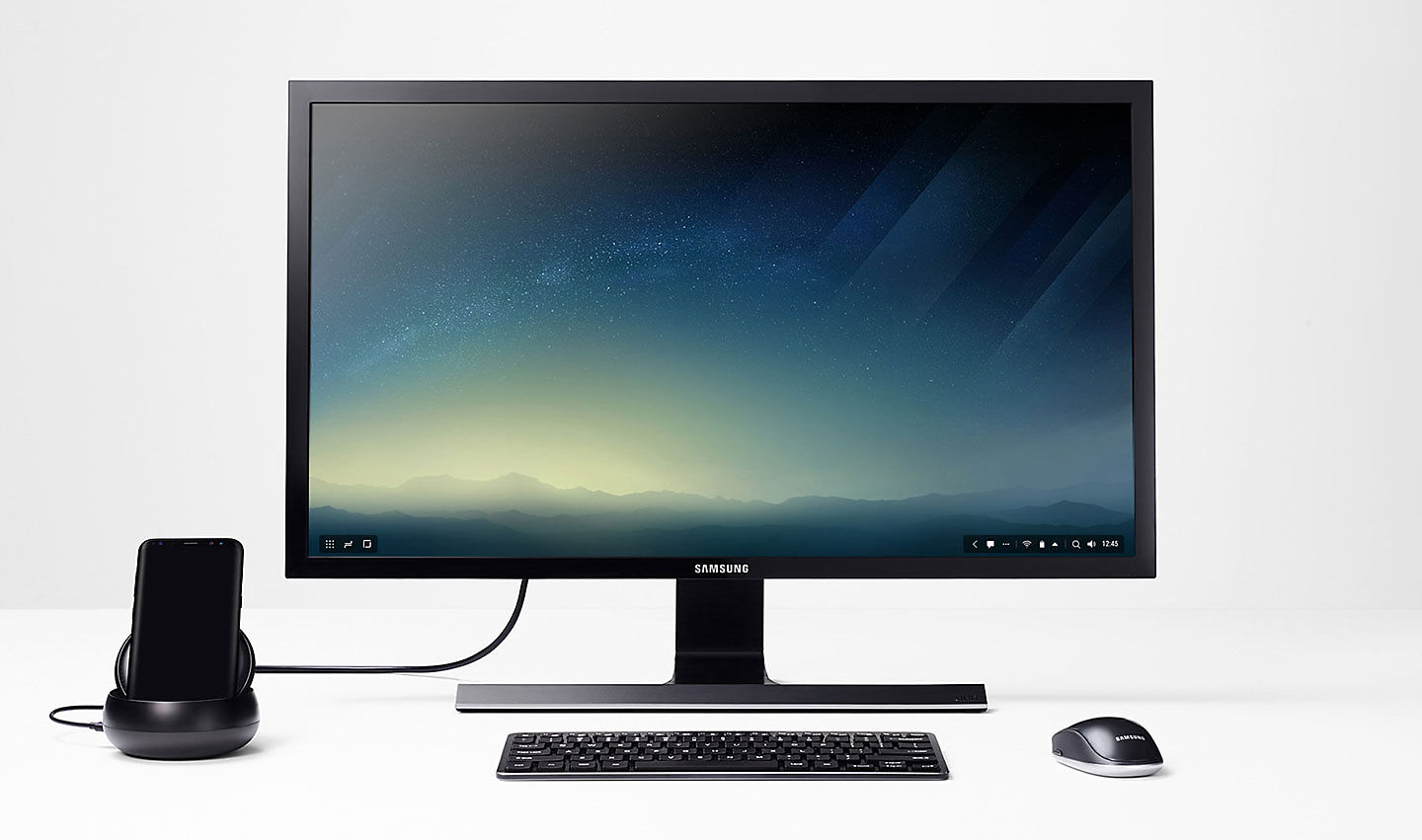
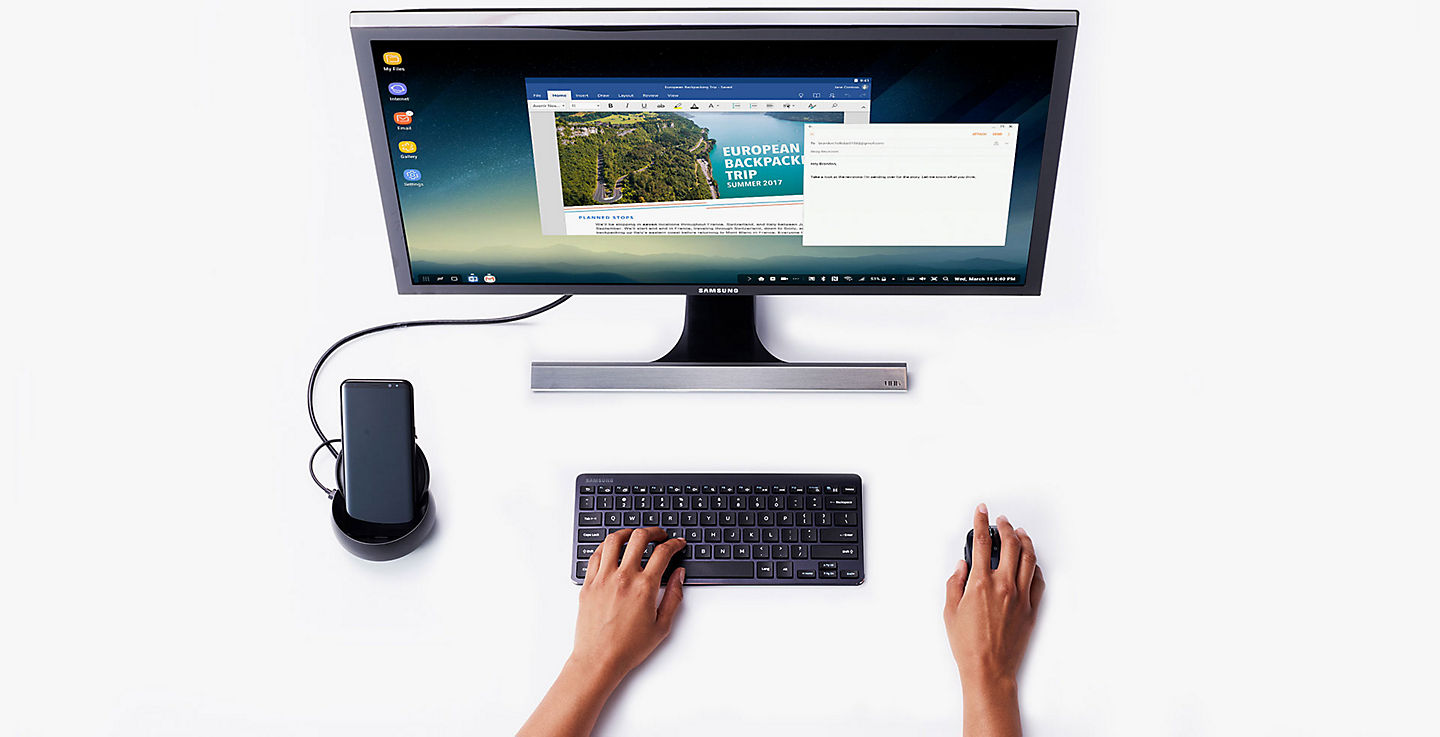
"Samsung DeX allows you to connect your Galaxy S8 / S8 +, Note8 or S9 / S9 + device to a monitor, keyboard and mouse for a desktop experience via your phone. In this way, you can transform any station into a workplace."
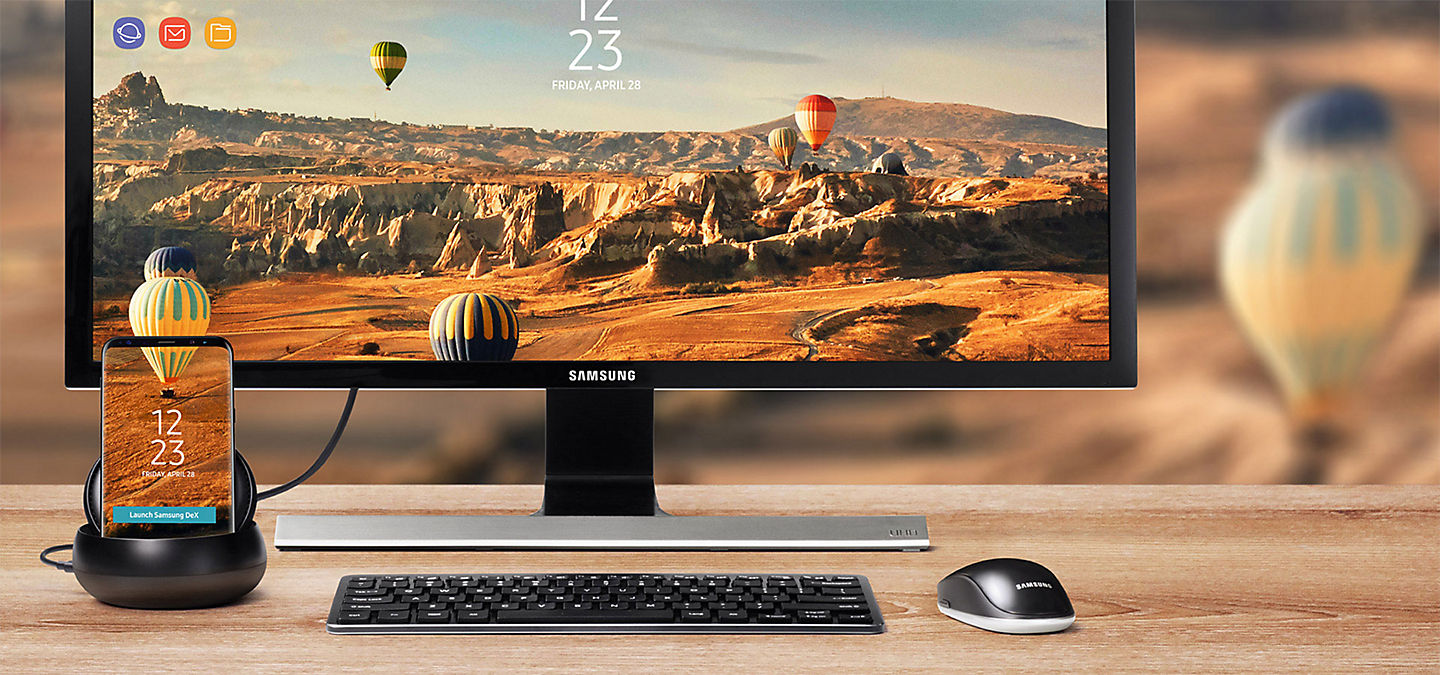 * Durante l'utilizzo di Samsung DeX, sul display del dispositivo mobile si attiva la modalità di standby.
UX/UI Design - Developer: Stefania Solari
